The requirement sounds simple: show that each person saw this version of the policy. Most of the pain is bookkeeping, not the acknowledgment itself. People miss the email, the policy file gets edited after it went out, and nobody can say who is still outstanding without opening a spreadsheet.
What a usable record contains
Whatever method you pick, each acknowledgment should capture five things: who confirmed, which exact version of the policy they saw, when they confirmed, how they confirmed (a checkbox, a typed name, or a signature), and a way to list everyone who has not confirmed yet. The version is the part most setups lose. A link to "the handbook" proves little if the handbook changes next month, so tie each record to a version label or to a stored copy of the file. When the policy changes, treat it as a new round: everyone confirms again.
Option 1: email and a spreadsheet
Email the policy, ask for a reply, and tick names off a sheet. This works for a handful of people and costs nothing. It breaks when the roster grows, because tracking is manual, replies are free text, and nothing stops the attached file and the filed copy from drifting apart.
Option 2: a form with a checkbox
A form that says "I have read and agree" gives you a timestamp, a name, and a clean row per person. It is a good fit for low-stakes policies. The weak point is that the record is a row of data, not a copy of what the person saw. Link to a versioned file, never to a page you edit in place, and add a hidden version field so each row names the version it covers.
Option 3: one signature request per person
Sending each employee the policy PDF as a signature request gives you a signed document per person and a status you can check. Use one request per person per version, and put the version in the file name so the stored copies are self-explanatory. The cost is overhead: you have to build the roster, send the requests, chase the unsigned ones, and file the results, so this is usually scripted once the headcount is large.
Option 4: automate the whole loop
The most durable setup triggers from the policy change itself. A new version is approved, the system reads the roster, sends each person the right version, records the confirmation against that version, and reports who is still outstanding. You can build this from an HRIS or learning system if yours supports acknowledgments, or by chaining a form, a PDF step, and a signature step yourself. The design decision that matters most is making the version the unit of work, so a policy update automatically creates a new set of outstanding acknowledgments.
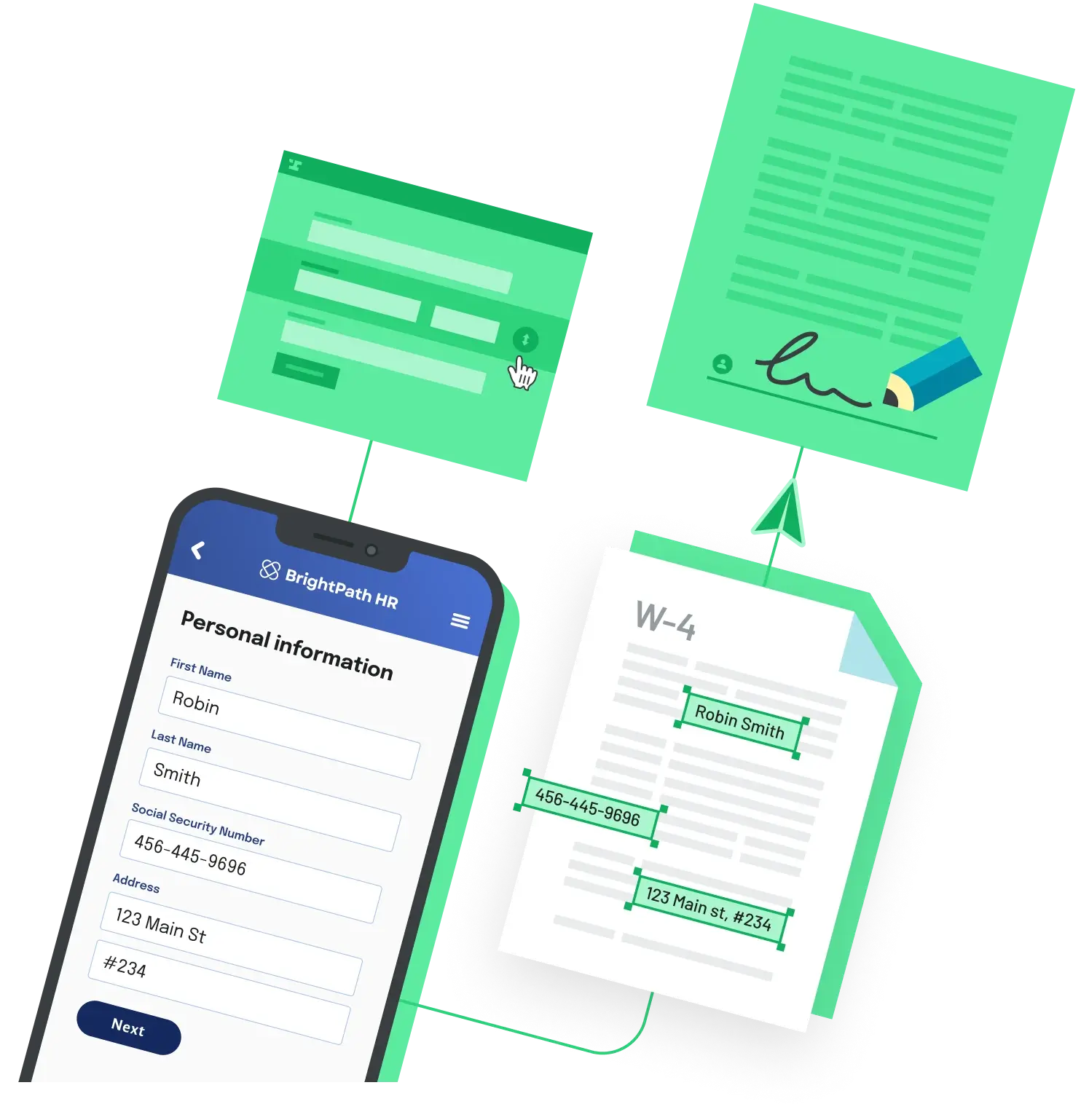
If you would rather not build that plumbing yourself, Anvil Workflows chains data collection, PDF filling, and e-signatures into one flow that you can trigger over API, which covers the send-and-sign part of this loop. Tracking who is outstanding per version is still a design choice you make either way.
Back to All Questions